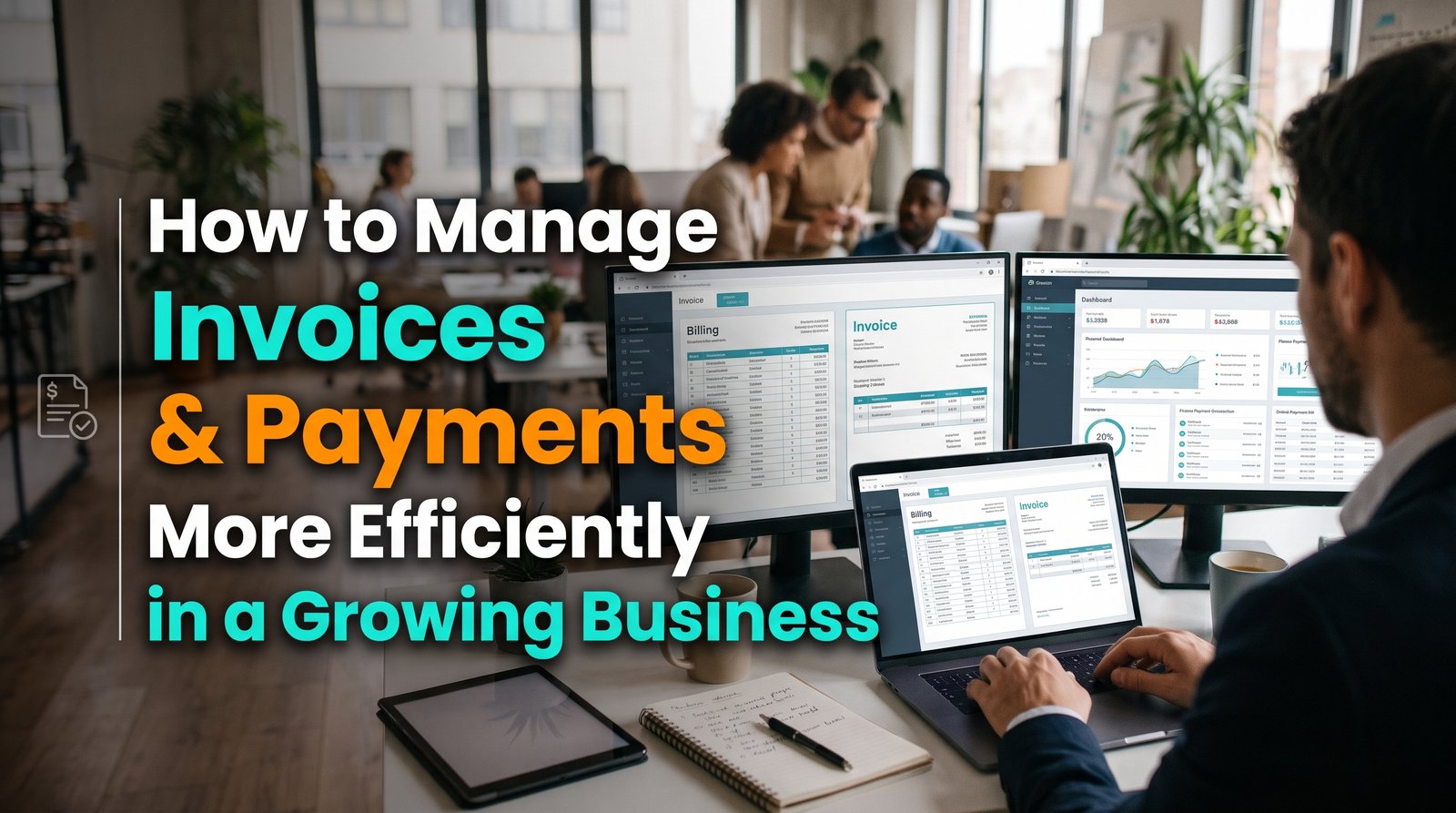
How to Manage Invoices and Payments More Efficiently in a Growing Business
For a growing business, sending an invoice is only one part of getting paid. Businesses also need to create accurate quotes, keep client information organized, track outstanding invoices, record payments, manage expenses, and follow up on overdue amounts.
When these tasks are handled through spreadsheets, email threads, documents, and separate tools, it can become difficult to maintain a clear picture of the business's finances.
A more organized invoicing and billing process can help businesses reduce administrative work and maintain better visibility over what has been quoted, invoiced, paid, and still outstanding.
This is where a modern invoicing and billing platform can make a difference. Why Invoice Management Becomes Difficult as a Business Grows? A small business may start with only a few clients and a handful of invoices each month. At that stage, creating invoices manually may seem perfectly reasonable. But as the business grows, the number of clients and transactions usually grows with it.
You may have:
• More clients to manage
• More quotations to prepare
• More invoices to send
• More payments to record
• Recurring customers
• Regular business expenses
• Multiple employees handling financial tasks
• More overdue invoices to follow up on
The challenge is not necessarily creating an invoice. The challenge is keeping the entire quote-to-payment process organized.
What Is an Invoicing and Billing System? An invoicing and billing system helps businesses manage financial documents and payment-related activities from a centralized workspace. Instead of maintaining separate records for quotations, clients, invoices, expenses, and payments, businesses can bring these activities together.
A modern system can help businesses:
• Create quotes and invoices
• Maintain client records
• Track invoice status
• Record payments
• Manage products and pricing
• Track expenses
• Automate recurring invoices
• Control employee access
• Review activity through audit logs
• Export and back up business data
The objective is simple: make the billing process easier to manage and easier to understand.
1. Start With an Organized Client Record
Every invoice is connected to a client.
If client information is scattered across spreadsheets, email conversations, and documents, creating and managing invoices can take more time than necessary.
Keeping client information in one place makes it easier to find the information needed when preparing a quote or invoice.
Novis provides a centralized client record and a self-service client portal where clients can view their own invoices.
This can help businesses create a more structured relationship between client information and billing activity.
2. Connect Quotes and Invoices
Many businesses begin a customer relationship with a quotation.
A client receives the quote, reviews the proposed products or services, and then approves the work.
The next step is usually creating an invoice.
If the invoice has to be created from scratch, employees may need to re-enter the same client and line-item information.
That creates unnecessary work and introduces opportunities for errors.
A better workflow connects the two stages.
With Novis, an accepted quote can be converted directly into an invoice without re-entering the line items.
This creates a more consistent path from quotation to billing.
3. Keep Invoice Status Visible
Knowing which invoices have been created is useful.
Knowing which invoices have been paid, pending, or overdue is even more important.
Without clear invoice statuses, a business can easily lose track of outstanding payments.
A centralized billing system can provide a clearer view of:
• Paid invoices
• Pending invoices
• Overdue invoices
• Outstanding amounts
This gives business owners and managers a better starting point when reviewing their receivables.
4. Make Payment Recording Part of the Workflow
Creating an invoice does not complete the billing cycle.
The payment still needs to be recorded.
When payment information is kept separately from invoice information, employees may have to manually reconcile the two records.
A connected workflow makes this easier.
Novis allows businesses to record payments as they arrive, with invoice status updating as part of the workflow.
This helps keep billing records closer to the actual state of customer payments.
5. Manage Expenses Alongside Revenue
Revenue is only one side of a business's financial picture.
Businesses also have expenses.
These may include:
• Supplier purchases
• Software subscriptions
• Office expenses
• Professional services
• Marketing costs
• Operational expenses
If expenses are tracked separately from billing activity, it can be harder to get an overall view of business activity.
Novis allows expenses to be logged by category and vendor, making it possible to view spending alongside revenue.
Keeping these records organized can make routine financial review easier.
6. Automate Recurring Invoices
Some businesses provide services or products on a recurring basis.
Examples include:
• Monthly consulting
• Software services
• Maintenance contracts
• Retainers
• Subscription-based services
• Regular business support
Creating the same invoice manually every month can become repetitive.
It also creates the risk of forgetting an invoice.
Recurring billing can help automate this process.
Novis allows businesses to set recurring schedules so future invoices can be generated automatically. It also supports recurring expenses.
Automation can reduce repetitive administrative work and help businesses maintain a more predictable billing process.
7. Give Employees the Right Level of Access
As a business grows, billing may no longer be handled by one person.
An owner may manage financial information while employees handle client records, invoices, or other administrative tasks.
Giving every employee full access to every part of the system is not always appropriate.
Role-based access allows businesses to assign permissions according to responsibilities.
Novis supports scoped administrative roles, allowing businesses to give team members access to the modules they need.
This can create a more structured internal workflow.
8. Keep a Record of Important Changes
Financial records need accountability.
If an invoice is edited, a payment is recorded, or permissions are changed, businesses may need to know who performed the action and when.
An audit trail can provide this visibility.
Novis records significant activities such as logins, edits, and deletions through its audit log.
For businesses with multiple people working in the same billing environment, this type of visibility can be particularly useful.
9. Think About Data Backup From the Beginning
Business billing data is valuable.
Losing invoices, client records, or payment information can create serious administrative problems.
That is why data export and backup capabilities should be considered when selecting a billing platform.
Novis provides data export and SQL backup options so businesses can keep an additional copy of their information when needed.
Having access to business data outside the day-to-day workflow can provide an additional layer of control.
10. What Should You Look for in an Invoicing System?
Not every business needs the same features.
Before selecting an invoicing platform, consider whether it can support the way your business actually operates.
Important capabilities may include:
Client management
Client information should be organized and easy to access.
Quotes and invoices
The system should make it simple to create professional quotes and invoices.
Payment tracking
You should be able to see which invoices are paid, pending, or overdue.
Expense management
The platform should help you maintain records of business expenses.
Recurring billing
If your business bills clients regularly, automation can save significant administrative time.
User permissions
Different team members should be able to access the functions relevant to their responsibilities.
Audit history
A record of important changes can improve accountability.
Data export and backup
Your business should be able to retain and manage copies of its important data.
Multi-company support
If you operate more than one company, managing multiple workspaces from one login can simplify administration.
When Should Your Business Move Away From Manual Invoicing?
There is no specific revenue level at which every business must adopt an invoicing platform.
However, certain signs suggest that your current process may no longer be sufficient.
You may need a more structured system if:
• You are creating a growing number of invoices
• You frequently search through spreadsheets for client information
• You forget to follow up on overdue invoices
• Employees duplicate financial data
• You create recurring invoices manually
• You have difficulty knowing your outstanding receivables
• Multiple employees manage billing
• You operate multiple companies
• You want a clearer record of changes to financial information
The purpose of adopting an invoicing platform is not simply to create prettier invoices.
It is to create a repeatable and organized billing process.
A Better Way to Think About Business Billing
Efficient invoicing is not just about sending documents.
It is about creating a connected workflow.
A typical business billing process might look like this:
Client → Quote → Approval → Invoice → Payment → Record
When each step is handled separately, information can become fragmented.
When these steps are connected, employees spend less time moving information between systems and more time focusing on the business.
Novis is designed around this quote-to-cash workflow, bringing quotes, invoices, clients, payments, expenses, and recurring billing into one business workspace.
Final Thoughts
As a business grows, invoicing can quickly become more complicated than simply creating a document and sending it to a client.
Businesses need to know what has been quoted, what has been invoiced, what has been paid, what remains outstanding, and what expenses are being recorded.
A centralized invoicing and billing system can help bring these activities together.
The right system can make it easier to manage clients, create quotes, convert approved quotes into invoices, record payments, automate recurring billing, track expenses, and maintain greater visibility over business activity.
Novis brings these functions together in one workspace, giving businesses a structured way to manage the billing cycle from quote to payment.
If your current invoicing process involves too many spreadsheets, repeated data entry, and disconnected records, it may be time to organize your billing workflow.
Explore Novis and bring your invoicing, billing, and client management into one workspace
Recent Articles